





Netmeds First Membership
Description
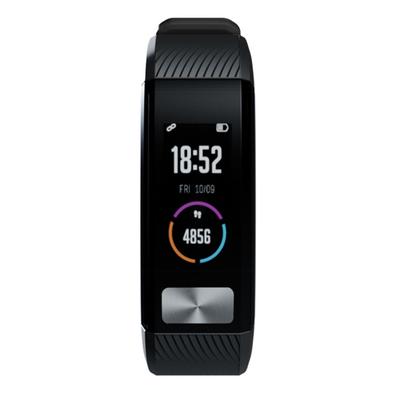
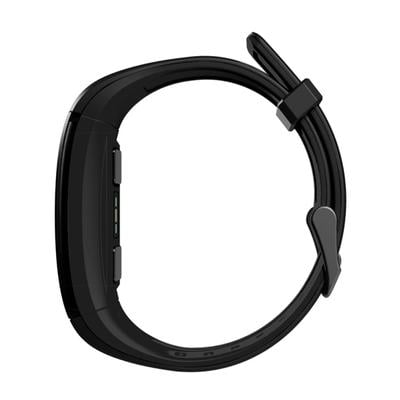
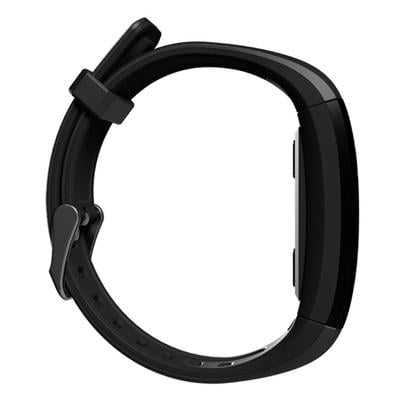
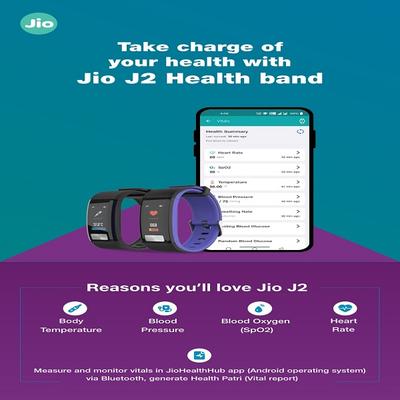
Introduction: Jio J2 is a smart band which can monitor multiple body conditions under many different modes. For each body vital parameter supported, switch to the desired body vital parameter page on smart band or on app and start testing the same. It may take about few minutes to display results.
- Body Temperature
- Blood Oxygen (SpO2)
- Blood Pressure
- 24/7 Heart Rate Monitor
- Breath Rate
- Auto Sleep Tracking
- Multi-sport Mode
Note:
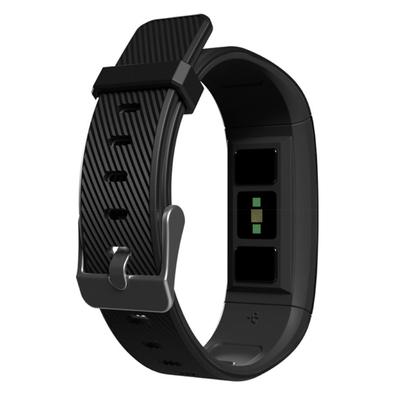
- While measuring any body vital parameter, the bottom electrodes should be in complete contact with your skin, otherwise it may affect the result.
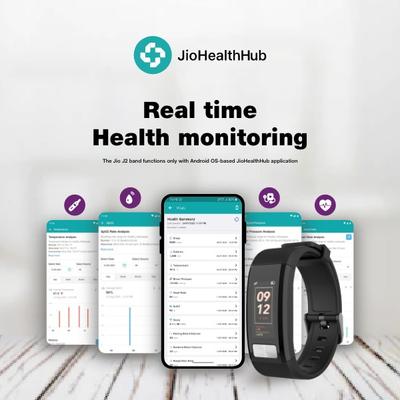
- The Jio J2 band functions only with Android OS-based JioHealthHub application.
Introduction: Jio J2 is a smart band which can monitor multiple body conditions under many different modes. For each body vital parameter supported, switch to the desired body vital parameter page ...
Key Benefits
- Body Temperature
- Blood Oxygen (SpO2)
- Blood Pressure
- 24/7 Heart Rate Monitor
- Breath Rate
- Auto Sleep Tracking
- Multi-sport Mode
- Sleep Monitor
- Step Count Monitor
- Calories Burnt
- Activity Goal Setting
- Shake to wake up screen
Features:
Direction for Use/Dosage
After unboxing the smart band, connect it to a USB adaptor to power-ON the device. Please refer the quick service guide included in the box.
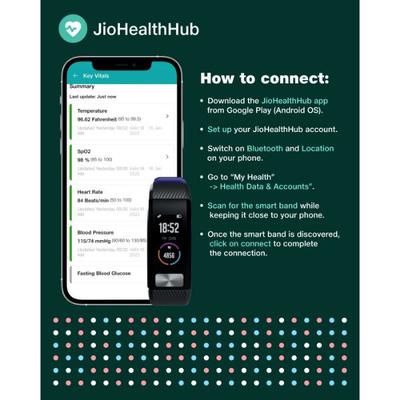
How to connect:
- Download the JioHealthHub app from Google Play (Android OS).
- Set up your JioHealthHub account.
- Switch on Bluetooth and Location on your phone.
- Go to “My Health” -> “Health Data & Accounts”.
- Scan for the smart band while keeping it close to your phone.
- Once the smart band is discovered, click on connect to complete the connection.
How to sync:
- The smart band will automatically sync with the app on launch.
- To sync manually, click on the Refresh Icon on the Health Summary page to trigger sync.
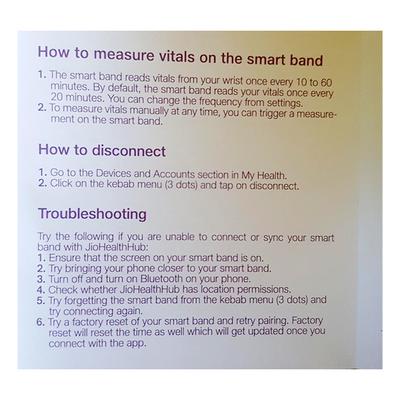
How to measure vitals on the smart band:
- To measure vitals manually at any time, you can trigger a measurement on the smart band.
- The smart band reads vitals from your wrist once every 10 to 60minutes. By default, the smart band reads your vitals once every20 minutes. You can change the frequency from settings.
After unboxing the smart band, connect it to a USB adaptor to power-ON the device. Please refer the quick service guide included in the box. How to connect:
Read More
Safety Information/Precaution
- Store the smart band in a location well out of reach of children.
- Failure to observe this may result in children accidently swallowing components or parts detached from the smart band.
- Do not charge when the smart band is wet.
- Please dispose lithium-ion batteries in accordance with local government directives.
Safety & Precautions:
Read More
Other Information
- Article number - 981175 (Black)
- Panel Size - 1.05"
- LCD type - IPS
- Resolution - 120 RGBX 240 Pixel
- Active Area(A.A.) - 11.88 x 23.76 mm
- Outline Dimension (O.D.) - L= 39.96 X W= 14.28 X H= 1.60mm
- Battery Capacity - 90mAh
- Charging time - 1 hr
- Weight - 40g
- Bluetooth - Bluetooth 4.0
- CPU - NRF52832
- Stand by - 7 days
Troubleshooting:
- Try the following if you are unable to connect or sync your smart band with Jio Health.
- Ensure that the screen on your smart band is on.
- Try bringing your phone closer to your smart band.
- Turn off and turn on Bluetooth on your phone.
- Check whether Jio Health Hub has location permissions.
- Try forgetting the smart band from the kebab menu (3 dots) and try connecting again.
- Try a factory reset of your smart band and retry pairing. Factory reset will reset the time as well which will get updated once you connect with the app.
Technical description:
Read More